Every site starts behind your company sign-in: Google Workspace or any OIDC provider. Keep one to yourself or a few colleagues, open it to the world with quick publish, or hand out an access code.
Private by default.
quick skill teaches Claude Code, Codex, Gemini or Cursor to deploy for you. Deploy tokens are tied to one site and can only deploy it.
Agents ship too.
One container and a wildcard DNS record. Files on local disk or any S3-compatible bucket. MIT licensed, no account anywhere.
Your box, your bucket.
Redeploys send the diff.
Files are split into content-defined chunks of about 64 KiB. The server keeps the ones it already has; only new chunks travel.
457 KB
sent over nine redeploys of a 3.1 MB build. Full uploads would have sent 27.9 MB.
Nine redeploys, measured with quick deploy
Pages
Fixed a typo in index.html9.2 KB
Added about.html9.2 KB
Changed the title on both pages18.4 KB
Code
Renamed a rule across app.js127.0 KB
Appended one line to app.js45.1 KB
Files
Renamed a photo0 B
Deleted a screenshot0 B
Re-encoded a photo248.3 KB
Redeployed with no changes0 B
Sent in total457.2 KB
html for you, .md for agents.
Every page on this site also exists as Markdown: add .md to the address, or ask for text/markdown. llms.txt lists them all, llms-full.txt holds them in one file, and the agent skill that ships with the CLI is at skill.md.
Three commands.
First, install it.
curl -fsSL https://quick-cli.com/install.sh | shirm https://quick-cli.com/install.ps1 | iex
Downloading quick (darwin/arm64)…
✓ quick installed in /Users/giulia/.local/bin/quick
Then sign in to your server.
quick login --server quick.acme.comOpening the browser for login…
✓ logged in to https://quick.acme.comNow publish a folder.
quick deploy launch ./dist✓ Authenticated as giulia
About to publish https://launch.quick.acme.com
3 files, 879.0 KB (excluded by: default rules)
Proceed? [y/N]: y
sending 879.0 KB of 879.0 KB
✓ uploaded 879.0 KB of 879.0 KB
✓ launch published → https://launch.quick.acme.com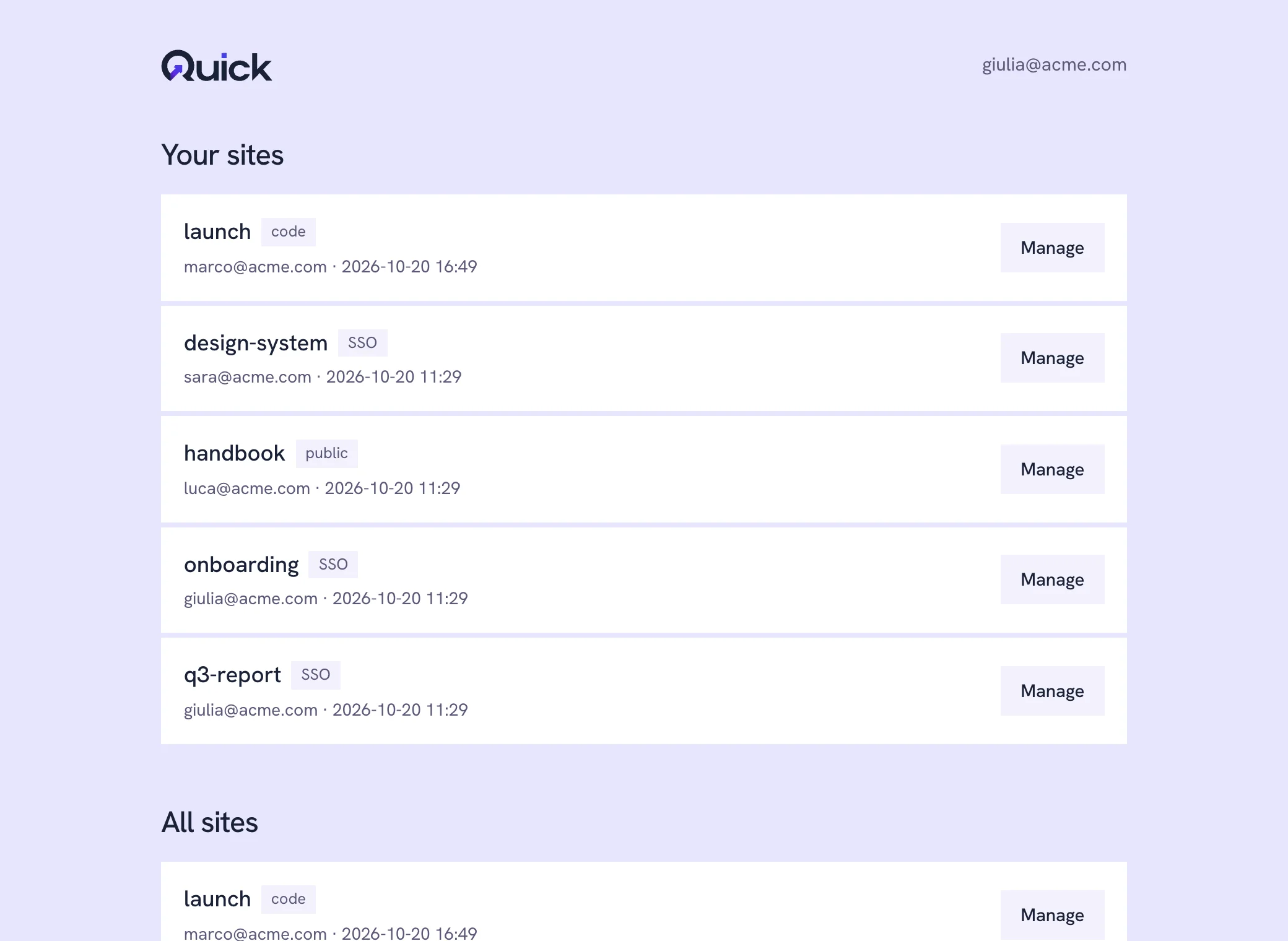
Access and tokens
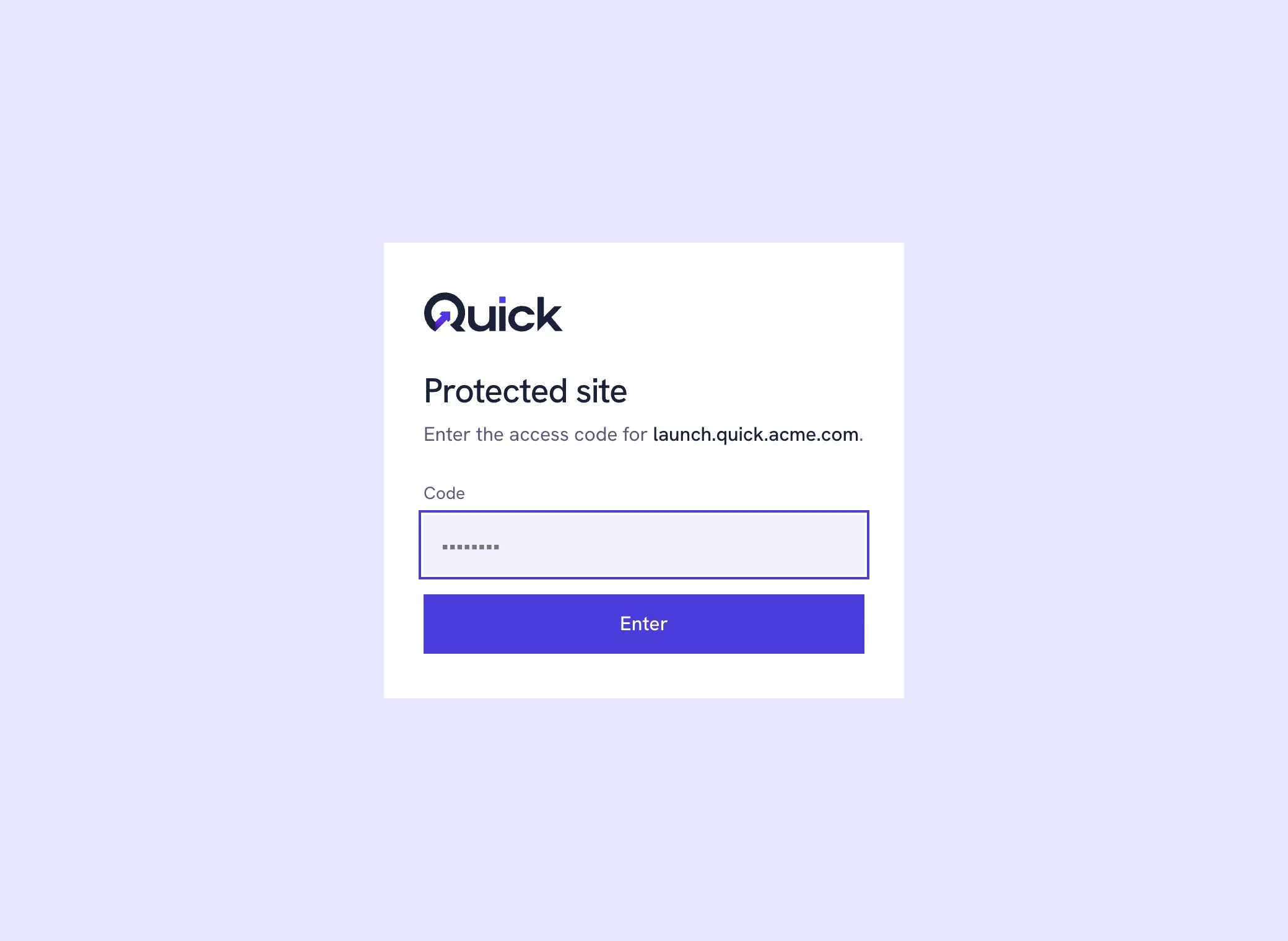
quick private launch swaps the company sign-in for a code you can share with a client.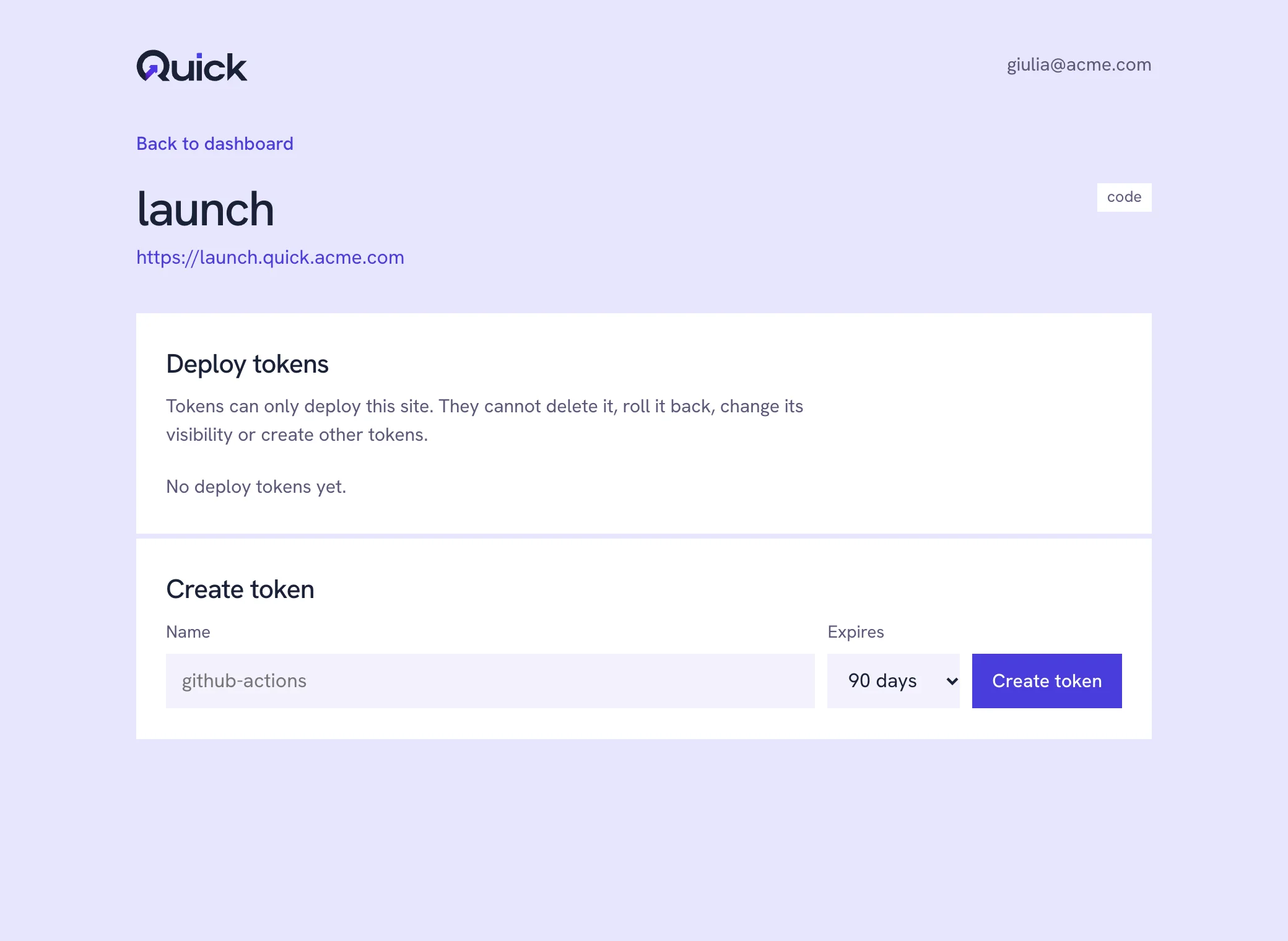
What a site can do
Routing
- index.htmlFolder indexdocs/index.html at /docs/Built in
- Clean URLsNo .html in linksabout.html at /aboutBuilt in
- 404.htmlYour own not-found pageNearest folder winsBuilt in
- 200.htmlSingle-page app shellEvery route that is not a fileBuilt in
- _redirectsRedirects, rewrites, proxy/api/* to a public APIBuilt in
- _headersHeaders per pathCache-Control, CSPBuilt in
Files and runtime
- .br and .gzServed precompressedUnity WebGL as isBuilt in
- .quickignoreWhat stays outSecrets never leaveBuilt in
- quick.jsWho is signed inquick.id.me()Built in
- Custom domainsYour own hostnamewww.acme.comBuilt in
Next
- _headersHeaders per pathCache-Control, CSPPlanned
- /mcpquick as an MCP serverDeploy as a tool callPlanned
Publish it.
Keep it yours.
One binary for macOS, Linux and Windows. The server runs wherever you run containers.
Read the docs